
Car photo backgrounds for dealer ads
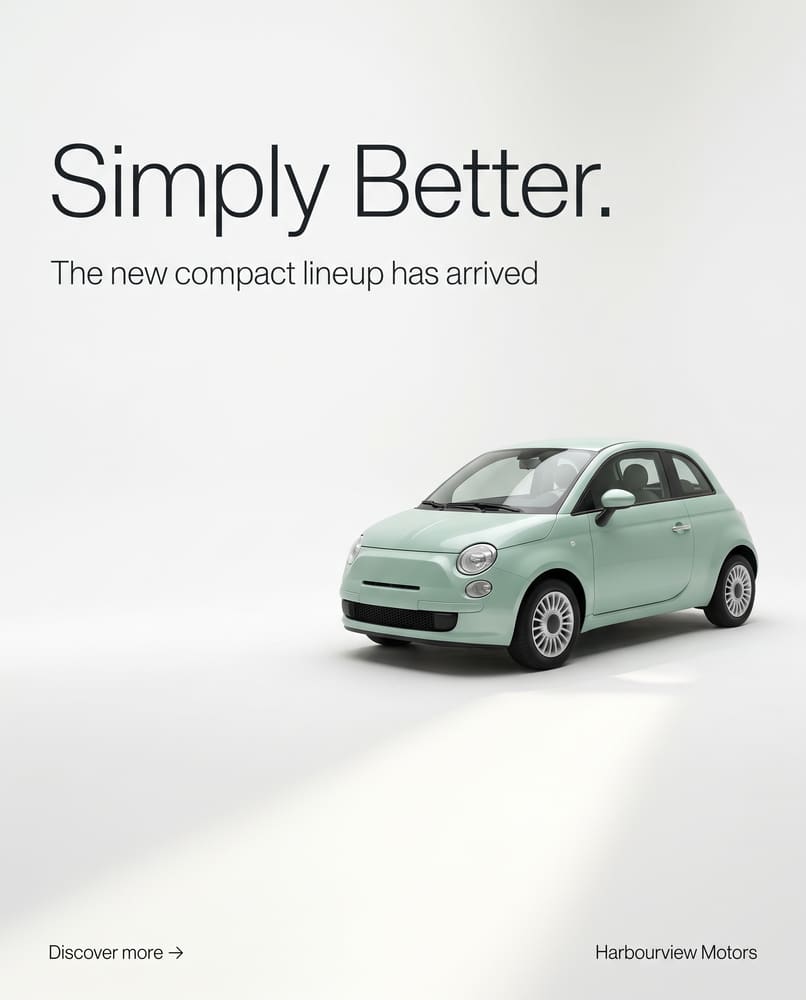
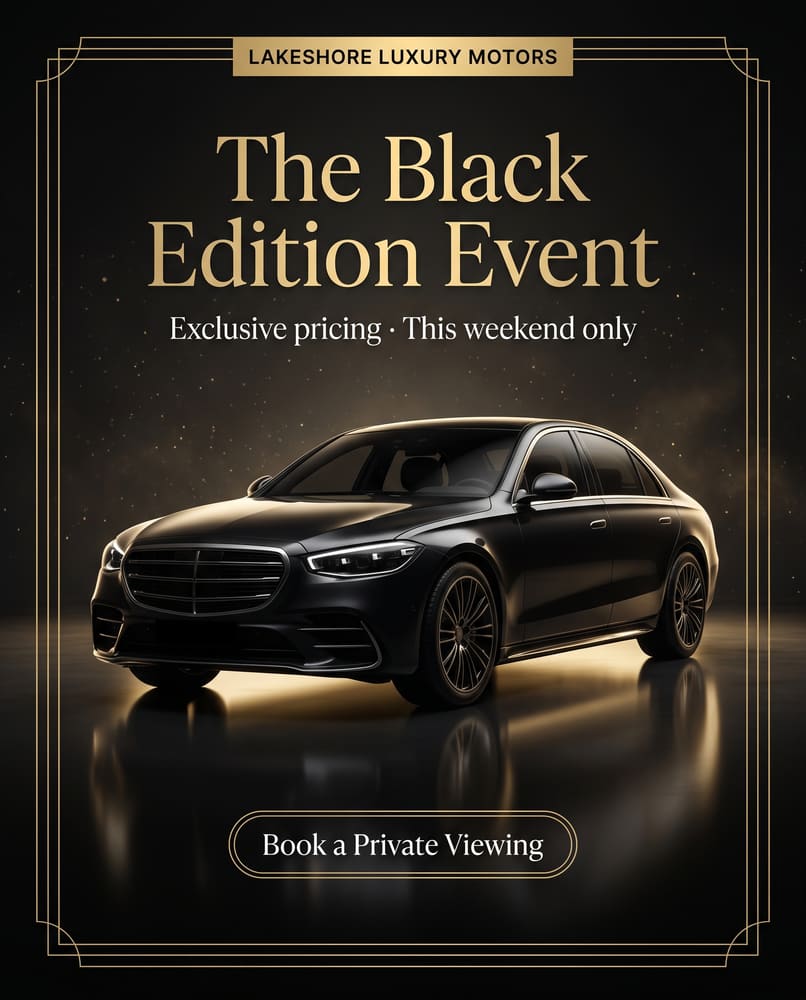
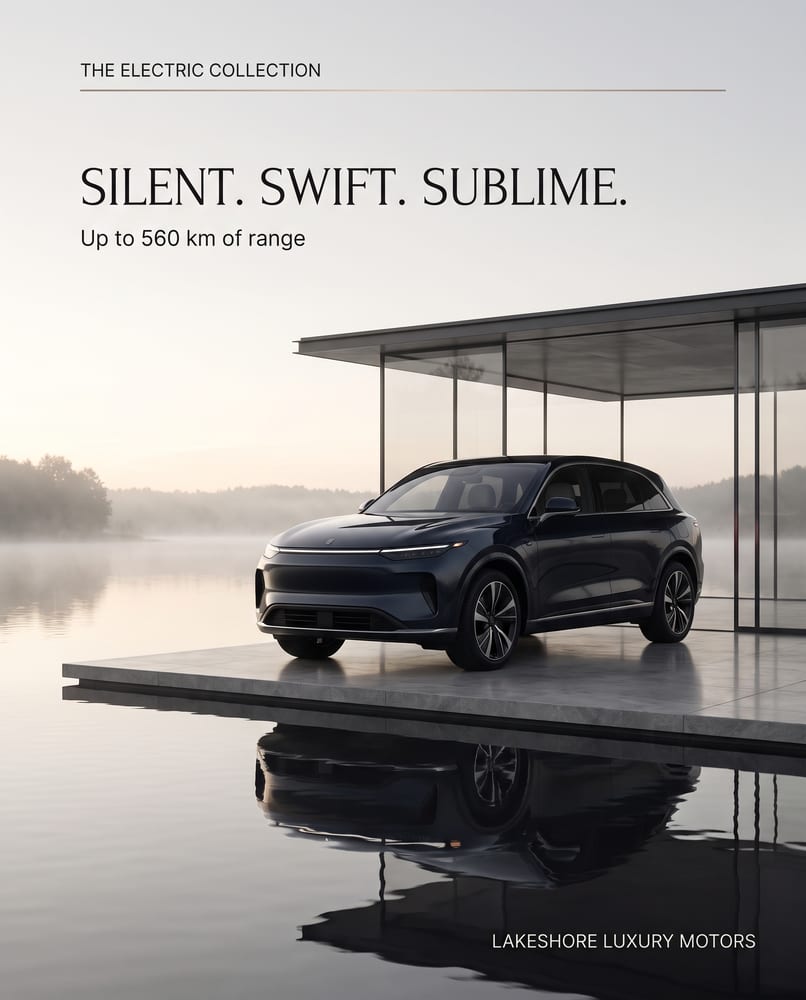
The setting around a vehicle changes how it looks. Here are six looks DealerAdGen makes for dealer ads, each shown in a real example, so you can choose a background that suits your brand and your stock.
A consistent background makes a dealership’s inventory look like one brand, and a different one for a sales event makes that event stand out. Each look below is a real example from DealerAdGen. The text on each example belongs to the ad, so it’s not part of the background.



Choosing a background
- For the whole inventory: pick one studio look and use it for every vehicle, so the feed reads as one brand.
- For sales events: switch to a bolder look such as city at night, or a seasonal scene, for the event period only.
- For trucks and SUVs: outdoor and desert looks show the vehicle at work.
- Keep the vehicle in focus: the background should support the car, not compete with the price and offer.
Good to know
Do the backgrounds change the vehicle?
No. The vehicle stays as it is in your photo: the same make, model, colour, wheels and details. Only the setting around it changes.
Can I use my own background?
Not yet. For now, pick one of the looks. Tell us if you’d like to use your own dealership backdrop.
Which background should a dealer use?
A white or dark studio gives a consistent look across the whole inventory. A showroom or outdoor scene suits sales events and lifestyle posts. Use the same family of looks for a month so your feed looks like one brand.

Make your next ad in about a minute
Paste a vehicle link, pick a look and post something great today. 40 free credits, no credit card.
Start your free trial